| 不具合 投稿者:KANOSO 投稿日:2006/05/29(Mon) 21:50 No.1244 | |
|
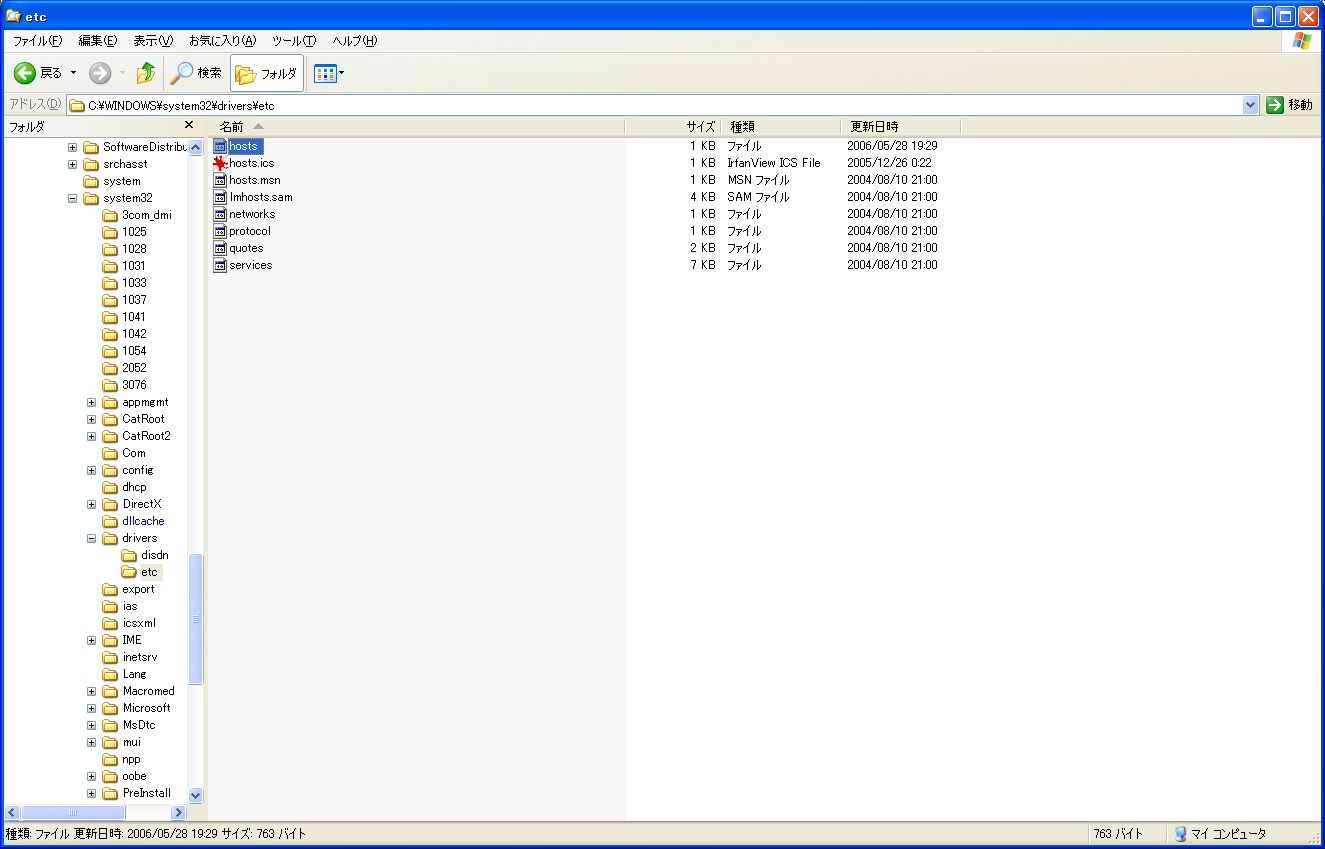
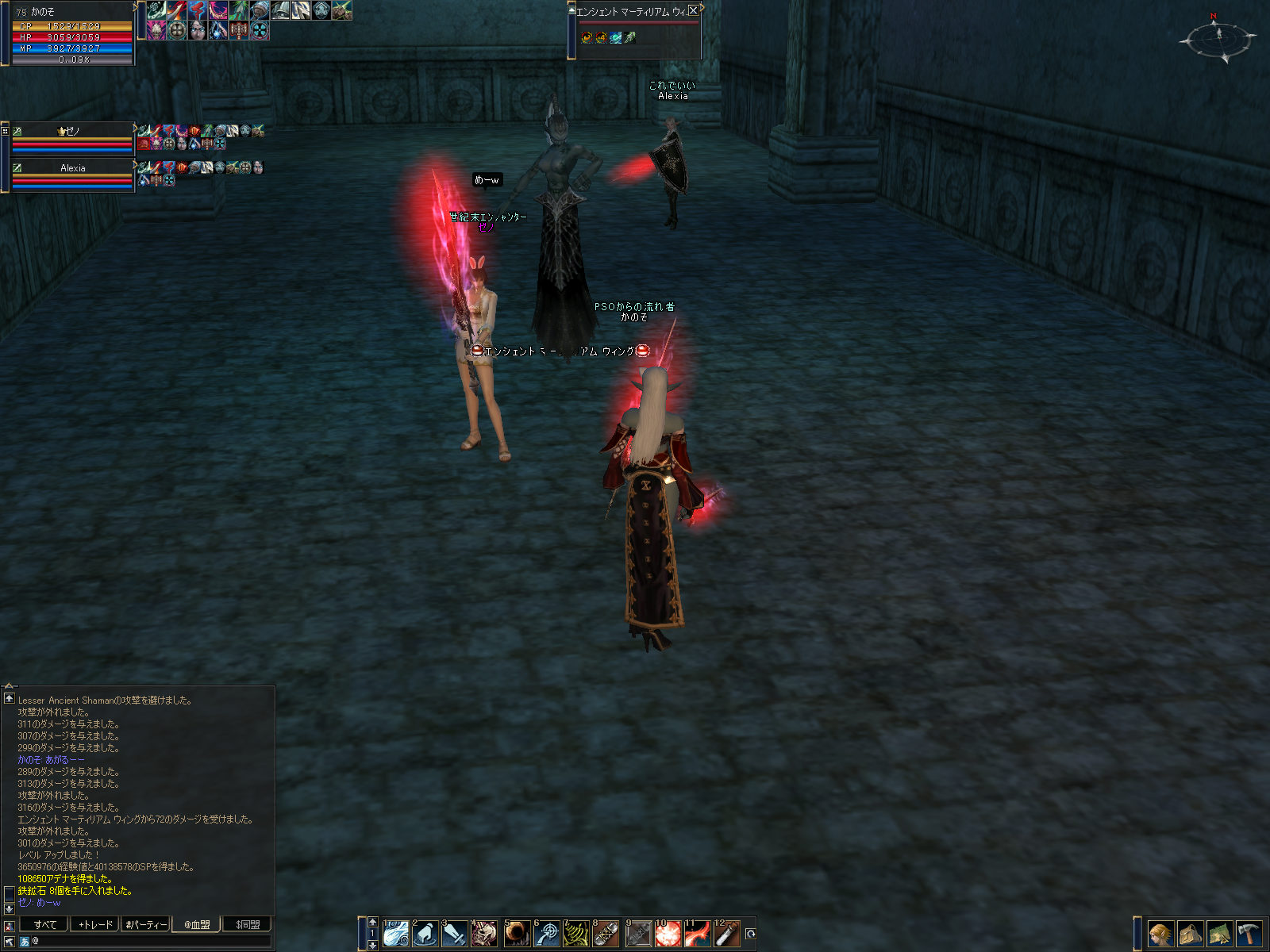
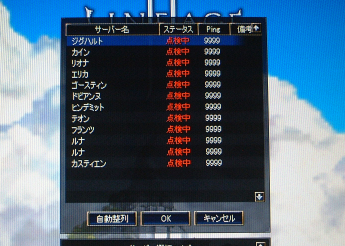
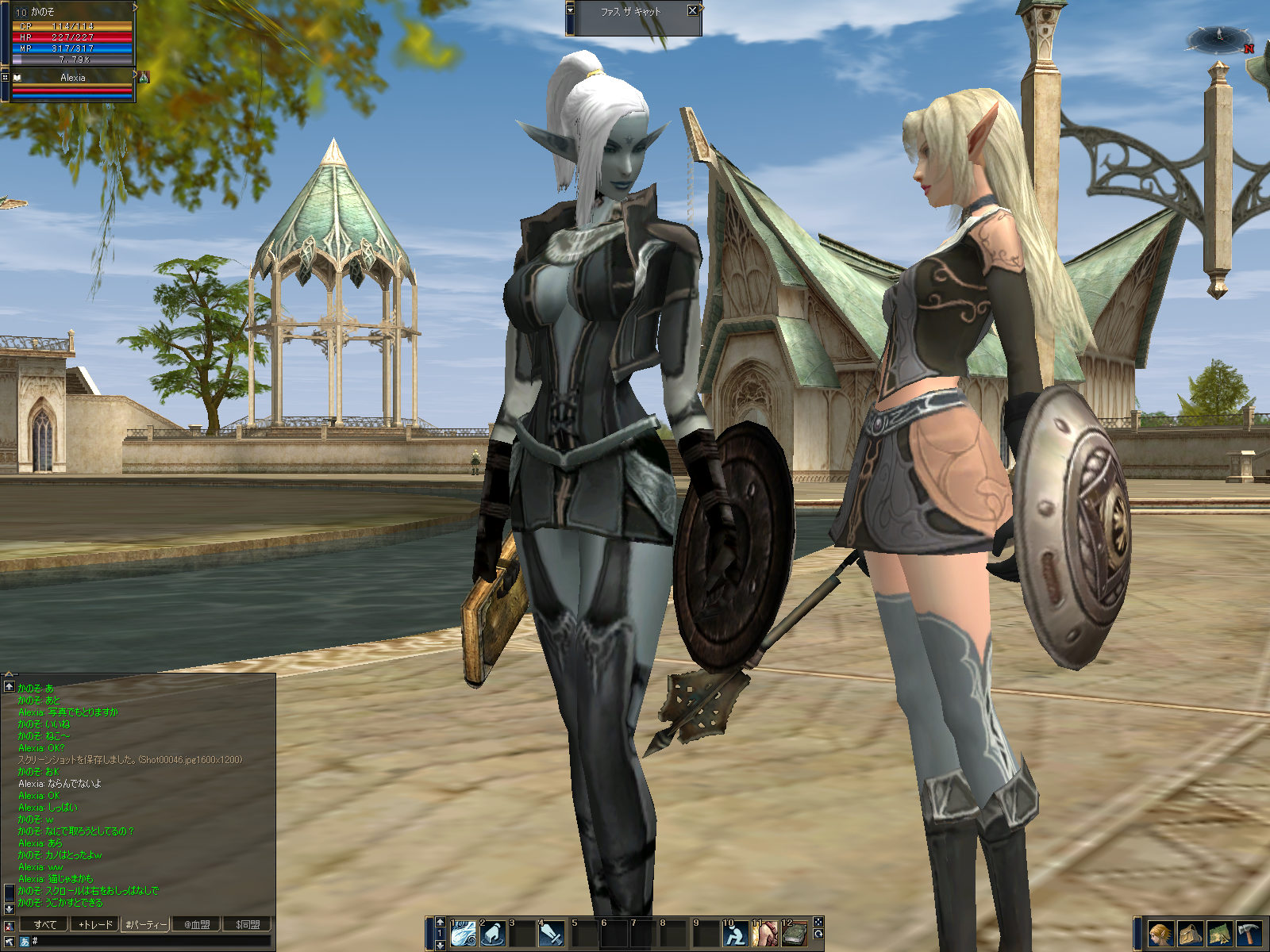
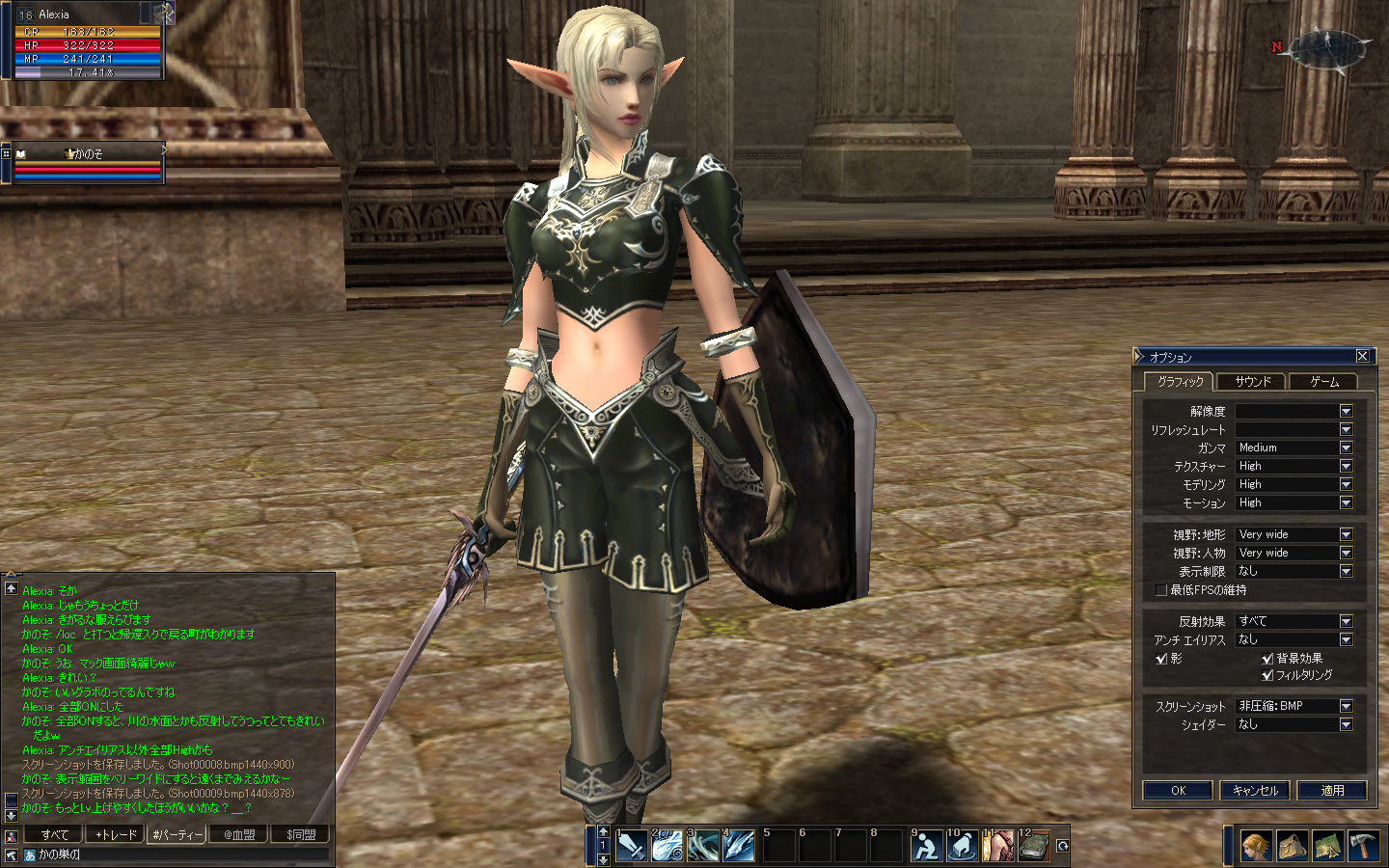
本日の公式アップデートを行うと、カノサーバーに接続できない問題が
発生しました。
なので、本家サイトのアップデートは行わないようにお願いします
(カノはしてしまったので、もう入れません・・・)
問題解決には、ソース開発者を頼るしかないです・・・
”ディスクトップのアイコンをクリック”してはいけません
自動アップデートが始まりますので注意してください
|
| Re: 不具合 SADA - 2006/05/29(Mon) 22:49 No.1245 | |
|
|
ん~弱りましたね。
古いのなら、手元ありますけど、それじゃ正式版つなぐと同時にアップグレードされるんだよね!!
よくあることなんだろうか?こういうの。
|
| Re: 不具合 runa - 2006/05/29(Mon) 23:03 No.1246 | |
|
|
ってことは、カノと潜れたのは一日だけ?ん~、なんとかならないのかなあ・・・。
|
| 弥生Dも来ないかな~ KANOSO - 2006/05/30(Tue) 22:02 No.1248 | |
|
|
いままではアンマリなかったと思うんだけどな~
とりあえずディスクトップのアイコンからの起動はさけてください |
| Re: 不具合 弥生D - 2006/05/31(Wed) 19:15 No.1251 | |
|
|
行けないです。
なんか、設定を変更するところで、やめとこうって思っちゃう。
ごめんなさいね。 |
| 苦労されているようで・・・ Sarah - 2006/06/01(Thu) 09:18 No.1252 | |
|
|
GCではMICHICAさんが黄昏てます(ぉぃ
KANOさんだけでも、帰ってきますか?
#PCのスペックを考えると、リネは辛いそうで。
弥生Dさんの「やめとこう」は、きっと半島からの電波を傍受しているのです。
本能の為せる技ですね。(それとも煩悩?) |
| Re: 不具合 KANOSO - 2006/06/02(Fri) 14:34 No.1253 | |
|
|
忘れているわけではありません! 今日、PSO逝きます・・・
だって、公式リネージュⅡしながら、カノージュⅡでルナとSADAと
冒険もしながら・・・+PSOだと
鼻の赤いボタンを押すと、複製が出来ちゃう人形が2体は欲しい状況です!Σ( ̄ロ ̄lll)
(目の部分をくりぬいた、ヘルメットって・・・)
ところで、問題のPSU情報って進展ってあったのかな?
あの、カクカクが改善されないと、行く気が失せるのですが・・・大丈夫なのかな
公式リネ、昨日ライセンスが切れてしまったので、3ヶ月更新してしまいました。
(やべ、本気←マジハマってる) |
|